
User Interface is the layer between the User and the Application that enables the user to interact with the application. User Interfaces are either Console ( CUI) or Graphical ( GUI).
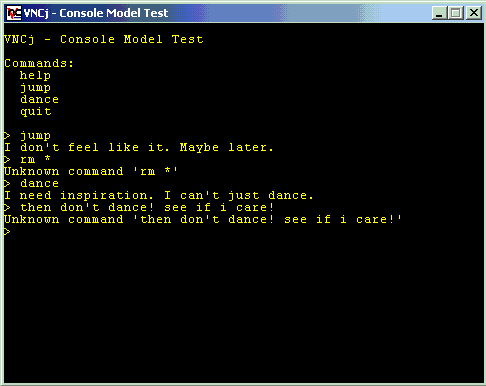
In a Console User Interface such as the one shown below, the user needs to use pre-defined commands to interact with the application. In general, the keyboard is used for input.
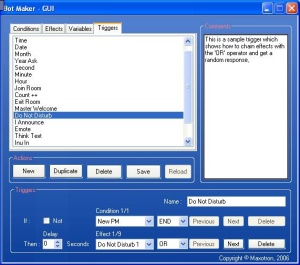
Unlike in a CUI, the user does not need to remember commands for interacting with the application, rather various controls are used for the same. Also, pointing devices such as the mouse are used along with the keyboard.
There are various types of controls to help us in enabling the User to interact with our application. Below is an image showing a few of the pre-defined controls.
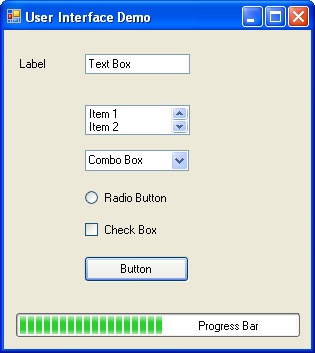
Only container controls can exist on their own. All other controls have to reside inside containers.
Note: A container can also contain another container.
In the previous image, the Window which contains all the controls viz Label, Button, Text Box, etc, is the container we call Windows Form. A Dialog box is a special type of Form that is used to group related controls. Typically, the dialog boxes are used to notify an event or error, ask for an input, etc.
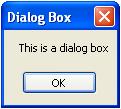
Dialog boxes are of three types:-
Modal
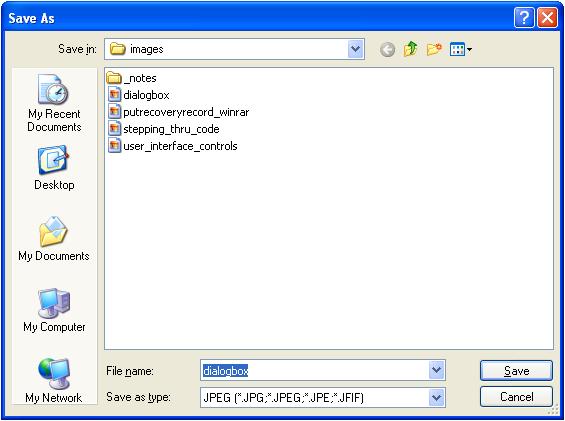
A modal dialog box does not allow you to switch focus to another area of the application (unless it is closed). For Example, the Save As Dialog box in Paint.
Modeless
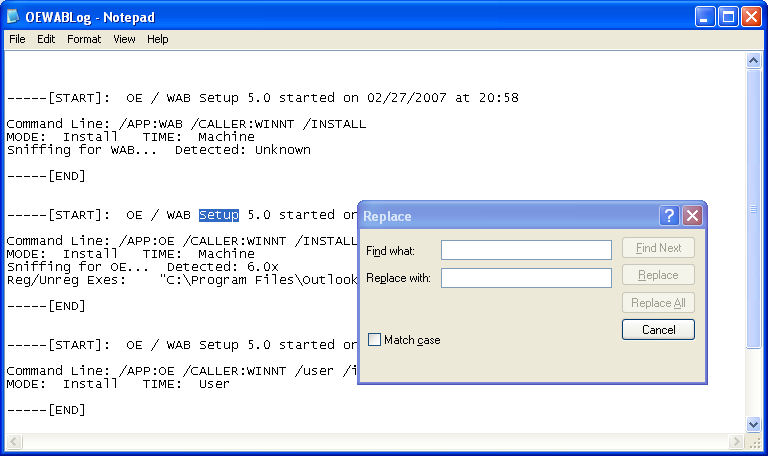
A modeless dialog box allows you to switch focus to another area of the application. For Example, the Find & Replace dialog box in Notepad.
System Modal
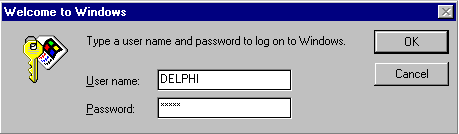
A system modal dialog box is a system wide modal dialog box which does not allow the focus to be switched to any other application.

Partho Sarathi
Founder, Maxotek